
A sign-in failure is an account or app-access issue until further checks show otherwise; it does not establish that the hardware has failed. For app-controlled chastity devices, start with the verified app, the account method you originally used and the exact error message. Use the official recovery route, and never share passwords or verification codes in a support request.
Identify Where Sign-In Stops
Distinguish a missing login screen, rejected credentials, failed verification code, region-specific service error and a successful login followed by no visible device. Only the first four are sign-in problems. Capture the exact wording, time, phone operating system and app version. A screenshot can help support, but hide account identifiers and one-time codes before sharing it.
The official-app checklist helps identify the correct software. A sign-in error does not establish any fault in the cage, box or controller. Keep the device unworn while account access is unresolved, and use its independent physical release instructions if relevant.
Check the Official App and Account Method
Confirm the manufacturer’s current app reference for the exact model, the app publisher, phone platform and store region. Then identify how the original account was created: email, phone number or a provider sign-in, if the current app offers those methods. Do not assume all apps support the same method or that a new login automatically carries an existing device binding.
Check whether the app’s sign-in service is currently available according to its official status or support information. The fact that another website loads on the phone does not prove that this particular service is functioning. Record the result rather than changing ownership settings.
Use the Documented Recovery or Verification Route
Follow only the app’s official account-recovery or code-verification flow. If an email is expected, check the exact address, spam folder and whether the request has expired. If a phone code is expected, confirm that the account uses that number and country code. Do not repeatedly trigger new codes in quick succession; it can make the active code ambiguous or create a rate limit.
Signing out and deleting an account are different actions. Never delete an account to solve a pairing question without knowing what happens to device binding and stored records. A password reset also does not physically open a mechanical lock.
Record Errors Without Sharing Passwords or Codes
Send support a minimal fault report rather than account secrets.
| Useful detail | Do not include |
|---|---|
| App and version | Password or recovery key |
| Phone OS and region | One-time verification code |
| Exact redacted error | Full private account information |
| Time and recovery step tried | Unrelated personal files |
If an unfamiliar person requests a verification code over chat, stop. Use the manufacturer’s documented support destination. Where a recovery path is missing, ask the provider how ownership and access are verified for this exact account and model.
Return to Device Checks After Account Access Works
Only after a normal sign-in should you check whether the expected device appears and which permissions are available. ThrillCage, Metal KeyPod and the other app cage below serve different functions: electronic cage controls, physical key-box access and a model-specific app cage. A login working for one does not prove all devices are bound to the same account.
Document the device list and current status before changing pairing. If a unit is bound to a different owner, request the legitimate transfer procedure rather than a reset workaround. Preserve a separate physical release plan for any worn or locked hardware.
QIUI ThrillCage App-Controlled E-Stim Chastity Cage
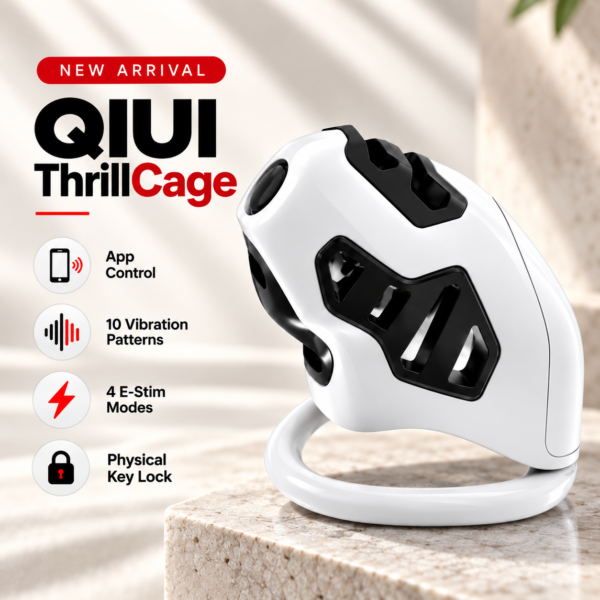
ThrillCage illustrates an app account used for listed electronic cage functions. Recovery of that account is separate from its physical-key release. See the product details and confirm the selected option before ordering.
QIUI Metal KeyPod App-Controlled Key Lock Box with Timer
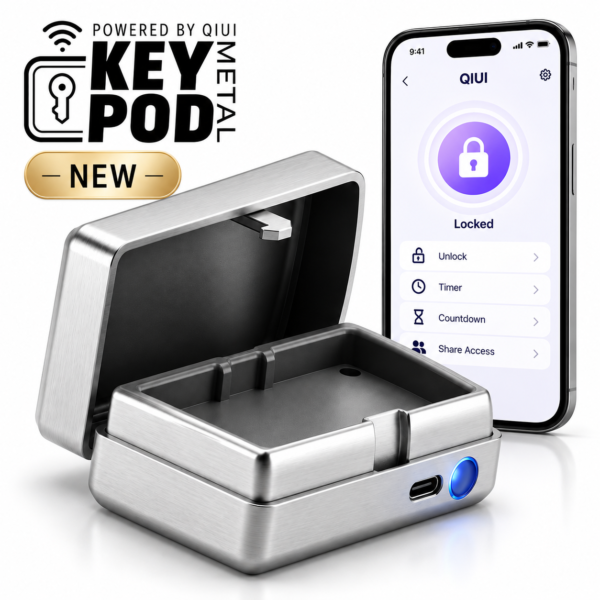
Metal KeyPod is a key-storage device with app control. Confirm the account that owns the box and its binding before treating login success as key access. See the product details and confirm the selected option before ordering.
QIUI Cellmate 2 Smart App-Controlled E-Stim Chastity Cage
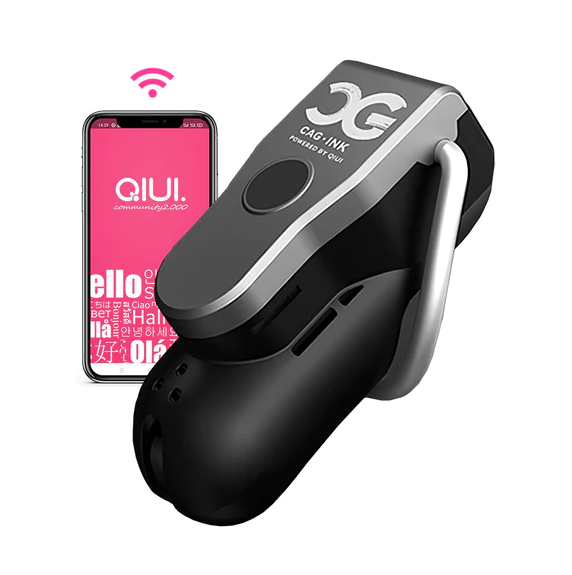
This app-controlled cage is a third model-specific example. Verify its official app and ownership route rather than assuming a QIUI account applies. See the product details and confirm the selected option before ordering.
Resolve the sign-in stage through the official service, then diagnose any device-list or pairing problem separately. Never send a password or verification code as troubleshooting evidence.