
A useful keyholder agreement makes responsibilities and limits easy to understand. Write down which controls may be shared, when each person is available and how either person can pause the arrangement. Before filling in the equipment section, compare the app-controlled collection so the agreement describes your actual device rather than assuming all apps, locks and timers work alike.
Name the device and the people involved
Write the exact model and selected variation, the names or preferred identifiers of the two consenting adults, and the date the arrangement begins. This is a practical conversation template, not a legal contract or a medical plan. Each person can pause or withdraw consent at any time; no written line overrides bodily autonomy or an urgent need to stop. Do not use the document to pressure someone into continuing.
The long-distance guide discusses choosing a connected setup. Here the focus is an agreement about who may use documented controls, when they may use them and how both people keep normal access clear.
Define the controls being shared
List app functions one by one: device binding, partner invitation, electronic stimulation, vibration, timer display or key-box access. A particular app may not support every item on this list. Mark “not available” or “not confirmed” where the exact manual is silent. Separate control of an electronic function from control of a physical lock. ThrillCage, an app-controlled remote cage and Metal KeyPod use different physical arrangements and should not share one assumed permissions model.
Write which person can start, stop or change each documented function and what notification each expects. Do not call a partner invitation device ownership unless the official app explains that relationship. If a function has no clear stop command, obtain the manual before including it in a shared routine.
QIUI ThrillCage App-Controlled E-Stim Chastity Cage
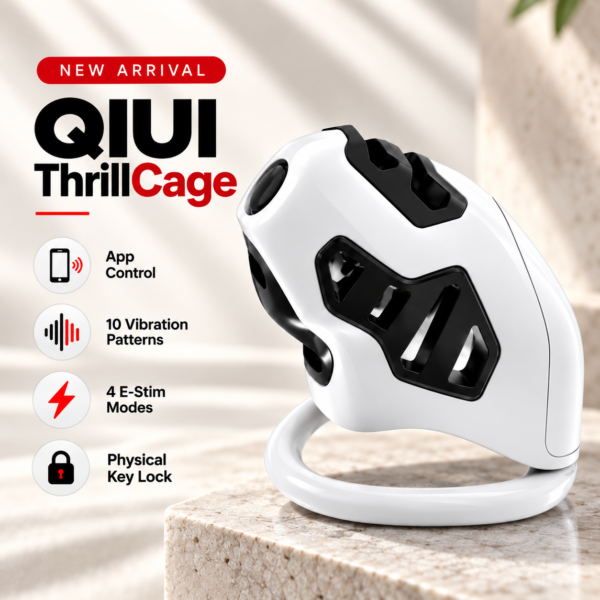
ThrillCage has app-controlled electronic functions and a physical key. The agreement should assign these roles separately. See the product details and confirm the selected option before ordering.
Agree on availability and pauses
Decide when each person is normally reachable, how to signal a pause and what happens when a phone is unavailable. A pause request should be honored without debate. A missed message is not consent to continue a control session, and a timer should not be used to delay an urgent stop. Use plain words rather than an ambiguous code phrase that might not arrive over a weak connection.
Include the local physical access procedure and the person who can carry it out. An app display or remote connection can fail; it must not be the only practical route to legitimate access. For a key box, distinguish ordinary agreed use from manufacturer-defined emergency procedures and avoid locking every access item into one electronic container.
App Chastity Cage Remotely
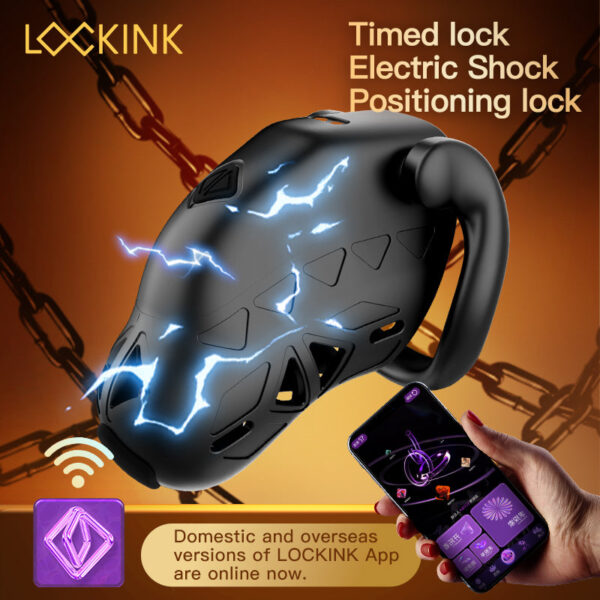
This app-controlled cage is an alternative connected setup. Confirm its exact invitations and release method before writing any shared-control rule. See the product details and confirm the selected option before ordering.
Record local access and privacy preferences
State where the normal key or manufacturer-supported release item is kept and who can reach it. Record what account details are private, whether notifications may appear on a shared screen and what information a partner can actually see in the app. Do not write passwords, one-time codes or full addresses into a shared template. Each person should be able to review and change privacy preferences without having to justify a safety-related pause.
Use the partner visibility checklist to ask app-specific questions rather than promising that any named product hides location or history. If the maker’s sharing rules are unclear, keep that field pending until both people have accurate information.
Copy and adapt the agreement template
Copy only the fields that fit your actual device: “Participants: [names/identifiers]. Date and review date: [dates]. Exact product and selected version: [model]. Shared functions documented by the maker: [list]. Who may use each function: [names]. Functions we will not use: [list]. Normal check-in times: [times/time zones]. Pause words and response: [plain instructions]. Local key or release access: [method and responsible person]. Phone or network outage plan: [method]. Notification and account privacy: [choices]. Any person may withdraw consent or stop at any time. Review this note on [date].”
| Function | Documented on this model? | Shared with | Stop/access route |
|---|---|---|---|
| Physical lock/key | Fill in | Fill in | Fill in |
| Electronic stimulation | Fill in | Fill in | Fill in |
| App invitation/timer | Fill in | Fill in | Fill in |
Discuss every completed line. A template cannot grant a product function that its manufacturer has not documented.
QIUI Metal KeyPod App-Controlled Key Lock Box with Timer
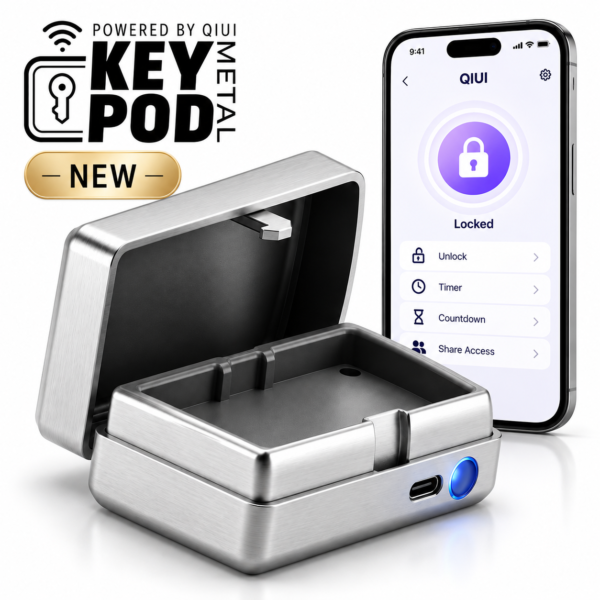
Metal KeyPod controls storage of a physical key through its own app and timer. It does not thereby control a separate cage’s electronics. See the product details and confirm the selected option before ordering.
Use the template as a revisable conversation record between consenting adults. Local access and the right to stop remain more important than any shared-control feature.