
A network switch can change the remote-control route even when the nearby Bluetooth link remains connected. Record which phone changed from Wi-Fi to mobile data and whether local control still works. For app-controlled chastity devices, investigate those links separately with the device unworn, and do not assume that losing a connection changes the physical lock state.
Record Which Phone Changes Networks
In a shared-control setup, the phone close to the hardware and a remote partner’s phone can take different network paths. Note which phone switches from Wi-Fi to mobile data, the time of the switch, the app message and whether the other phone remains connected. Record the device model, app version and operating-system versions. A single lost status update at the transition does not prove the device is broken.
Keep the hardware unworn while investigating. Do not deliberately stress an active lock or repeated remote commands to reproduce an error. The long-distance app guide discusses the general control arrangement; the present checklist isolates a network handoff.
Check Whether Local Control Still Works
Ask the manufacturer which commands use a local Bluetooth link and which require an online service. With the device unworn, see whether the nearby phone can perform only the documented local status check after the network changes. A local function can appear responsive while the remote view remains stale, or the opposite can be reported by an app; record both without treating either display as a release guarantee.
If the maker has not documented an offline path, do not infer one from a Bluetooth icon. Preserve the normal physical access method. In particular, a network interruption should never be described as an automatic unlock, because that behavior is model-specific and may not be documented at all.
Compare Each Network Route Without Wearing the Device
Use the vendor’s supported connection procedure for one network route at a time: stable Wi-Fi, stable mobile data, then a single ordinary handoff. Note time, signal, app state and whether the exact command or display recovered. Keep the phone, hardware and app versions constant. If the service reports an error, record the original text instead of paraphrasing it as a device fault.
Do not open router ports, disable certificate checks or weaken phone security to force a connection. Those changes are not a normal diagnostic for a consumer app. If the vendor offers no documented route test, stop at the observation log and send it to support rather than inventing a recovery procedure.
Separate Connection Recovery from Device Release
A reconnection process restores communication; it is not the same thing as gaining physical access. A timer, mechanical key or manufacturer-approved release procedure can behave independently of the app’s network indicator. Confirm the exact model’s documented local access before using any remote feature. Avoid resetting hardware or changing a live timer merely to see if a phone reconnects.
If the app displays an old state after a handoff, mark it as “display may be stale” until the maker explains the data source. Do not promise that a lock will open at the displayed time. Tell support whether the error affects local commands, remote commands, notifications or only a history screen, because those paths may fail differently.
Keep a Network Checklist for Future Use
KeyPod has timed key storage with its own app behavior; Cellmate 3 is a smart cage; the Blue cage offers app and remote control. These are examples of different controller arrangements, not interchangeable network protocols. Compare official instructions for the one you own. A handheld remote may reduce dependence on a phone for its listed function, but it does not replace physical release or solve a cloud service issue.
| Time | Nearby phone route | Partner route | Local result | Remote result |
|---|---|---|---|---|
| Fill in | Wi-Fi/mobile | Wi-Fi/mobile | Fill in | Fill in |
| Fill in | Wi-Fi/mobile | Wi-Fi/mobile | Fill in | Fill in |
QIUI Metal KeyPod App-Controlled Key Lock Box with Timer
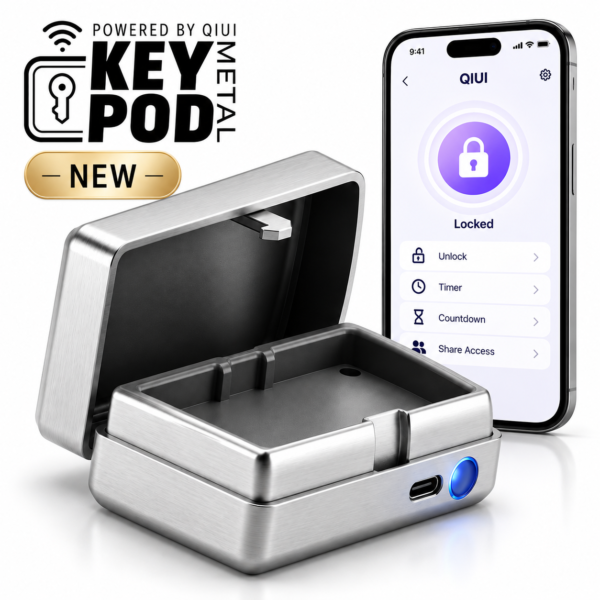
Metal KeyPod is a timed physical-key box. Confirm how its app synchronizes across the actual network path; do not infer release from a delayed screen. See the product details and confirm the selected option before ordering.
QIUI CAGINK Pro Cellmate 3 App-Controlled Smart Chastity Cage
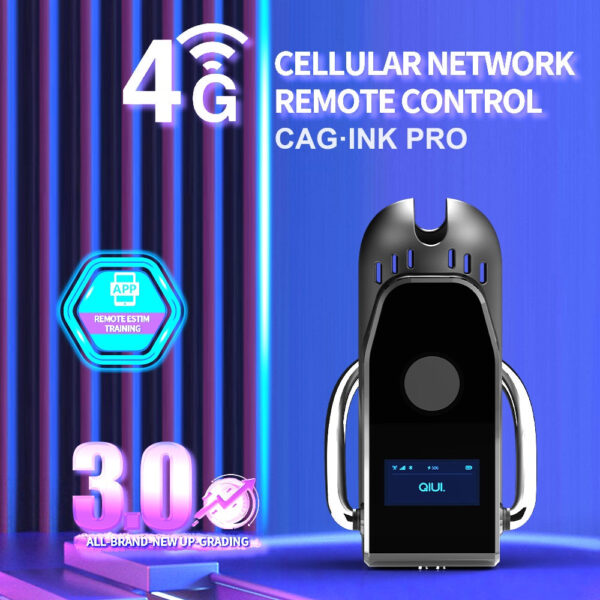
Cellmate 3 is a distinct smart-cage system. Ask for model-specific local and remote connection behavior before comparing a network handoff. See the product details and confirm the selected option before ordering.
Blue App and Remote Vibrating Chastity Cage with 10 Modes
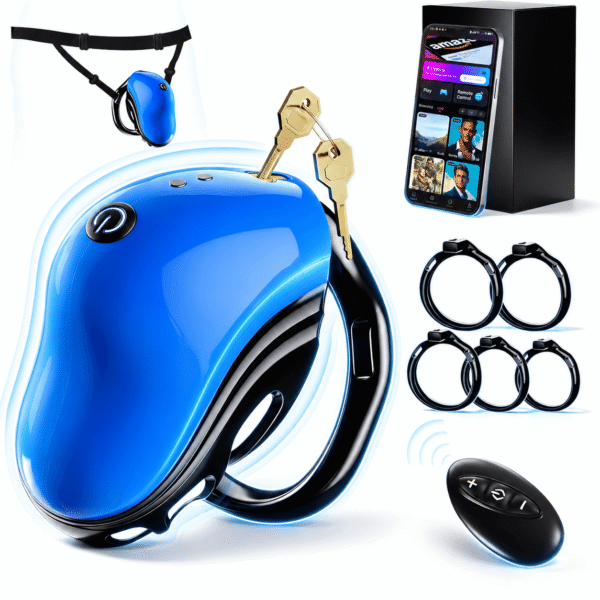
The Blue cage lists app and remote controllers. The remote is a separate control option for documented functions, not a guaranteed network recovery feature. See the product details and confirm the selected option before ordering.
The most useful support record names the phone that changed networks and the function that failed. Keep access independent of a live data connection.