
A product photo can show several components even when the selected option contains only one of them. Before adding an item from the electric chastity catalog, compare the option name, package description and price for that selection. This guide uses three common listing formats to help you check what the order includes without relying on the main image alone.
Read the option name before the image
A gallery often shows a family of options, sometimes with accessories arranged around the main product. The order is determined by the selected option and itemized package description, not by everything visible in the photograph. Read the variation name, quantity and cart summary before checkout. If the public product page describes options but shows no selector, ask the store which configuration is actually being sold.
The nine-mode package guide documents a current example where the description mentions three configurations while the storefront record offers one simple Add to Cart product. That mismatch is a reason to clarify, not a reason to guess.
Cage-only and accessory-only selections
“Cage-only” identifies a package scope; it does not necessarily include every controller shown in the main image. “Accessory-only” can be even narrower. The Electronic Stimulation Accessory explicitly excludes a cage and rings. Its console or electrode-sheet image should not be read as a promise of a complete wearable set. Read the exclusions as carefully as the included-parts list.
If a seller names a cage-only or key-box-only configuration in prose but does not provide an orderable variation, ask support for the exact SKU and component list. Do not pay for a simple product expecting a separately described option to be selected automatically.
9-Mode Wireless Remote-Controlled E-Stim Chastity Cage Set
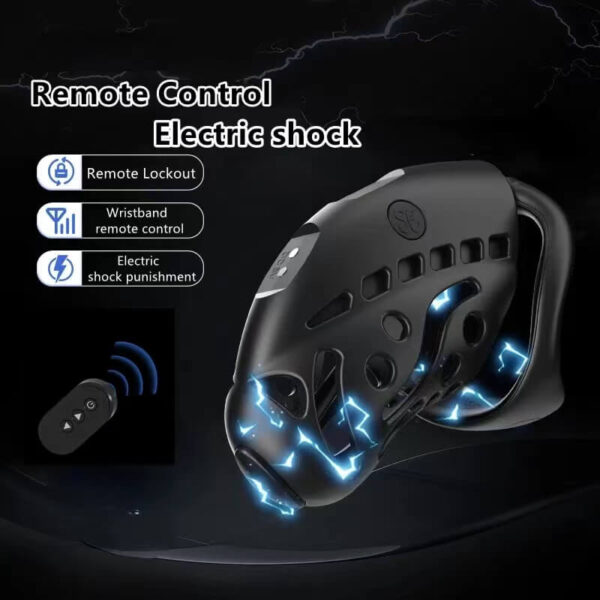
The nine-mode listing describes cage, key-box and combined configurations, but the live storefront record currently exposes a simple product without selectable variants. See the product details and confirm the selected option before ordering.
With-component and without-component versions
The Extensible Silicone Cage listing describes with-plug and without-plug styles. The vibration plug belongs to the selected with-plug package, not to every cage image. Check cage length, color and accessory style independently. A photograph of the plug beside the cage cannot resolve which dropdown was selected, and a title mentioning the plug may describe the product family rather than each variant.
The cage material and included rings are also distinct facts. Do not infer that an app controls the physical lock because an optional plug has electronic functions. The option-specific guide compares the package choices in detail.
Extensible Silicone Chastity Cage With Vibration Plug
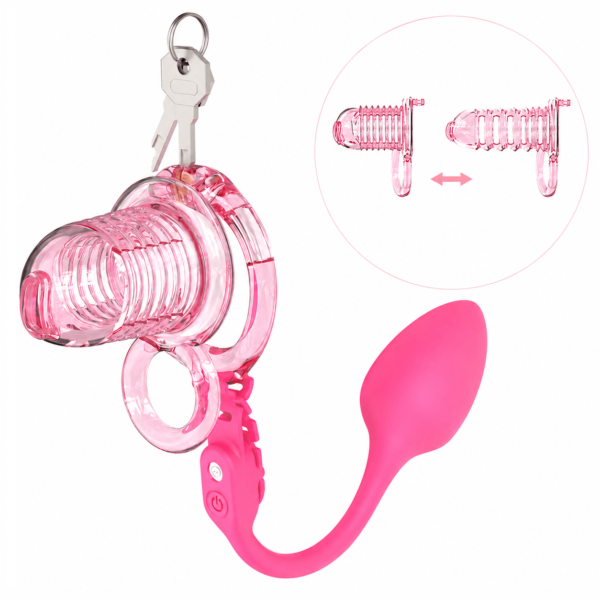
The extensible silicone cage describes with-plug and without-plug styles. The plug should be counted only for the chosen style. See the product details and confirm the selected option before ordering.
Compatibility sizes do not mean included rings
A listing may name ring sizes to show what an accessory can work with. The Electronic Stimulation Accessory page does not include a cage or rings, even if an option mentions a ring diameter. Treat “fits” or “compatible with” as a different statement from “included in the box.” Ask for a current written bill of contents if the layout combines these labels in one image.
Similarly, a cable diameter does not establish cross-device electrical compatibility. This article addresses contents, but a buyer comparing electronics should also ask for approved control-unit pairing. Do not turn a package diagram into instructions for connecting an unverified console to a cage.
A final selected-variant check
Before ordering, read the final cart line back to yourself: product, exact option, cage included, controller included, rings and size, physical keys, charging items and exclusions. Save the order summary privately. If a required part remains ambiguous, ask the store before submitting the order. This process does not modify product data or guarantee any option is currently available.
| Check | Source | Result |
|---|---|---|
| Selected SKU/option | Cart and product page | Fill in |
| Included cage, ring, accessory | Chosen bill of contents | Fill in |
| Excluded component | Product notes | Fill in |
| Unclear item | Store answer | Pending/confirmed |
Electronic Stimulation Accessory
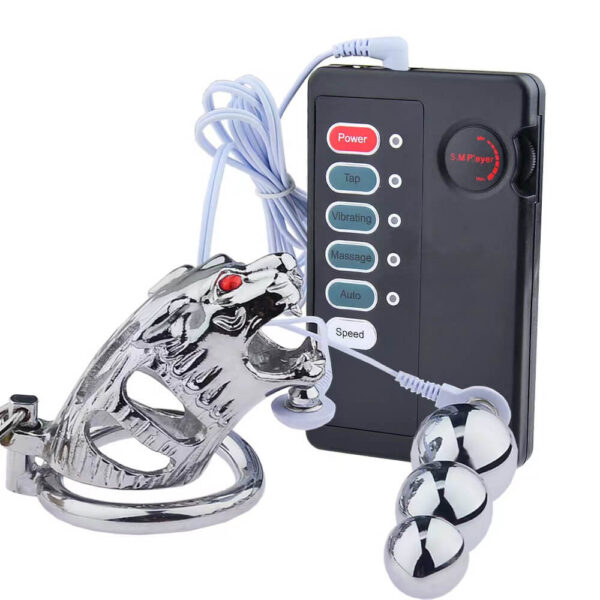
The stimulation accessory explicitly excludes cage and rings. A compatible size in an option is not an included ring. See the product details and confirm the selected option before ordering.
The selected cart line and written package list outrank the gallery image. When a configuration cannot be selected or verified, clarify it before ordering.